Dell Bios Config
This is how i configure the bios of my computers
To configure the Dell bios, you will need a utility from Dell called CCTK. This can be downloaded from here, once its downloaded install it with defaults and then goto the folder.
C:\Program Files (x86)\Dell\Command Configure\X86_64
This folder contains the cli software that we will need to run during OSD to configure the bios settings that we need.
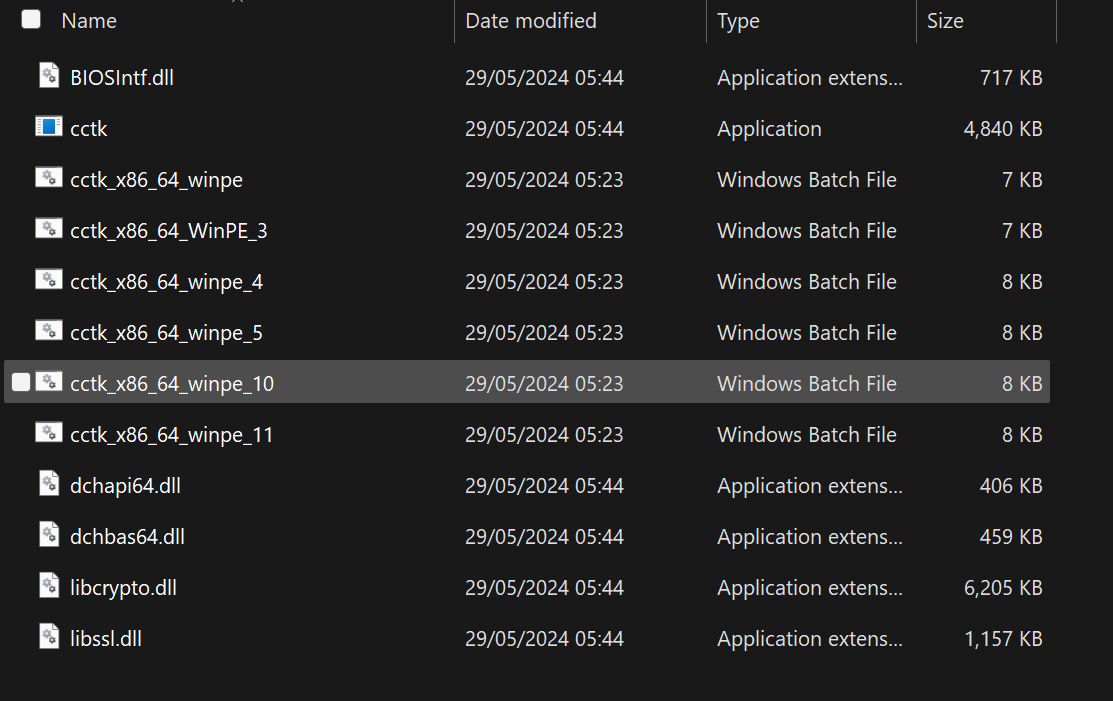
I make a packge, and copy the contents of this to the package folder. I also create a batch file with the following.
@echo offRem Enable Bios Passwordcctk.exe --SetupPwd=BiosPasswordRem WLAN Switch Settingscctk.exe --WlanAutoSense=Enabled --valsetuppwd=BiosPasswordRem Turn on TPMcctk.exe --TpmSecurity=Enabled --valsetuppwd=BiosPasswordRem Active TPMcctk.exe --TpmActivation=Enabled --valsetuppwd=BiosPasswordRem Enable Virtualizationcctk.exe --Virtualization=Enabled --ValSetupPwd=BiosPasswordRem Enabled Direct I/O for Virtualizationcctk.exe --VtForDirectIo=Enabled --ValSetupPwd=BiosPasswordexit
These are the settings that i choose to configure. There are many many more in the documentation that you can configure if you wish.
The step that i run in the task sequence is very simple.
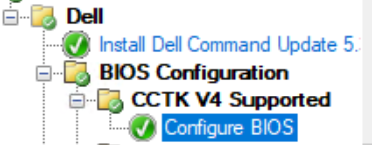
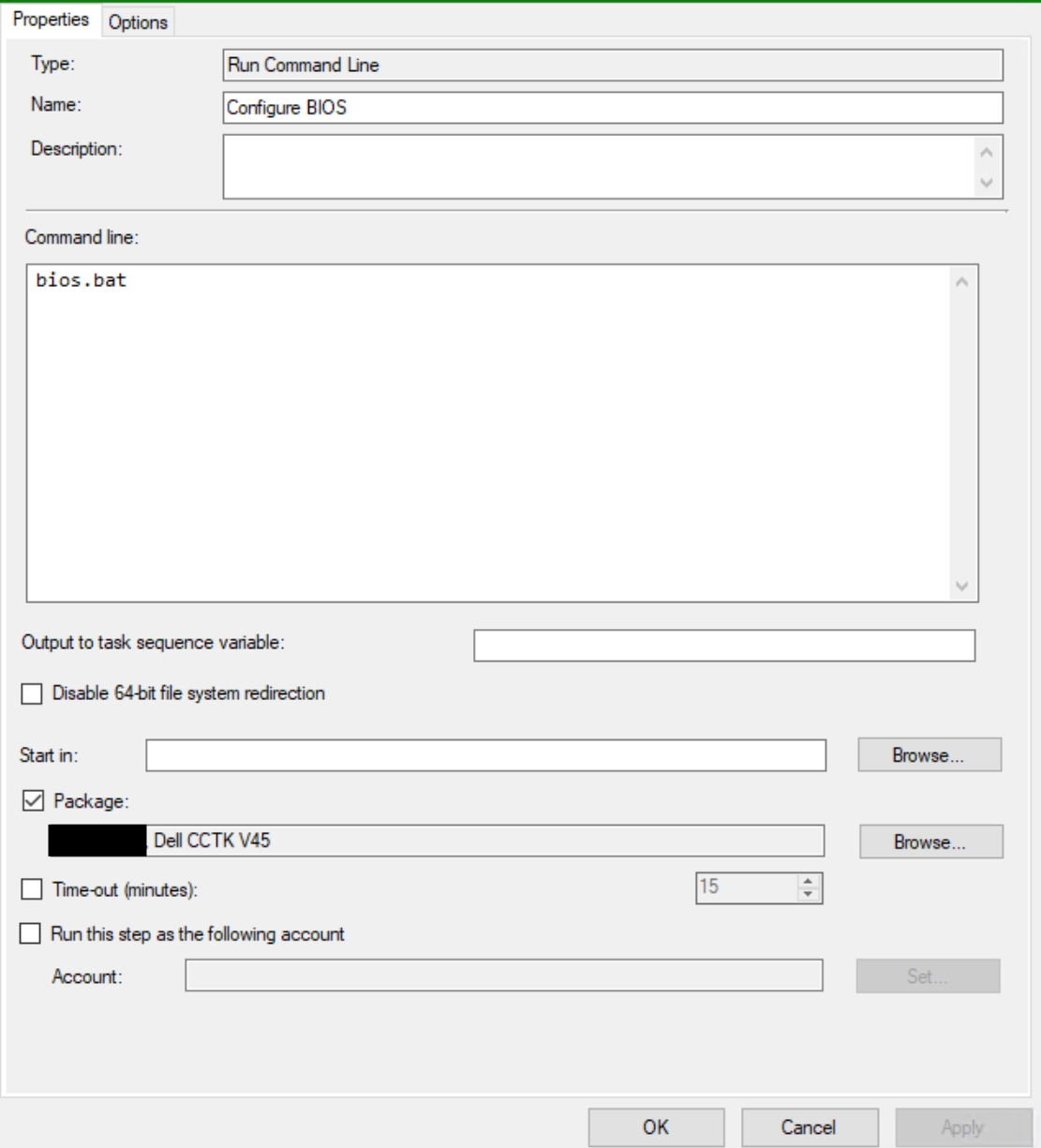
This is ran after the OS is on the disk, some people prefer to run this really high up in the task sequnce while the computer is still in Windows PE.